
The management console for the Chromeboxes adds great efficiency to our HR operations. Chrome kiosk mode allows us to keep the Chromeboxes switched to show only the HR app, so employees always have what they need at their fingertips. My IT staff doesn’t need to worry about provisioning other apps, or monitoring Internet usage. Also, if our IT team needs to update anything, we can go into the management console, make the change, and apply it to all Chromeboxes at once.
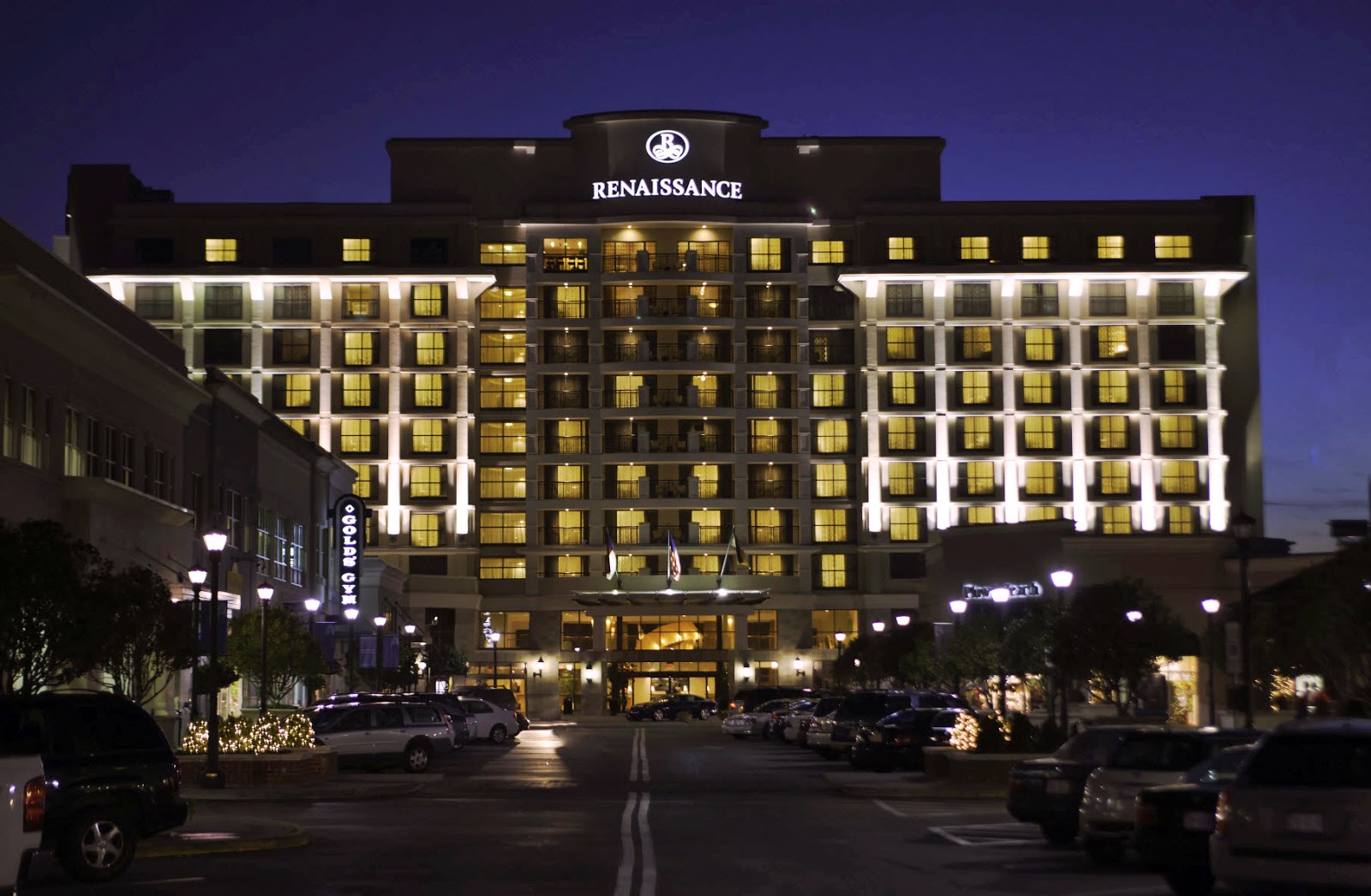
The boxes were simple to set up and we finished our rollout of the devices and management console nearly two months early. Price was a big factor in our decision to deploy the Chromeboxes. Initially, we planned to invest in traditional computer kiosks, but the costs were prohibitive. Our human resources department only had $1,000 to spend on new technology for each property. We realized that one slim little Chromebox would accomplish essentially the same thing as a bulky, $5,000 computer kiosk in terms of information access for our staff – but for a fraction of the cost.
We put Chromeboxes in the breakrooms at every one of our hotels last year and employees are thrilled. They love the speed with which the pages load and find them easy to use; we haven’t needed any support so far. We created a Spanish-language tutorial for the employees who are not native English speakers and they’re able to hop right on the system. The computers are easy to use, durable and reliable.
Chromeboxes allow us to provide necessary resources and services to all of our employees without requiring full Internet access for workers who have limited needs and computer skills. While cost may have been the initial reason we went with Google, the benefits of easy management and speed have us considering additional uses. We may end up using Chromeboxes for our hotel guests in the future


